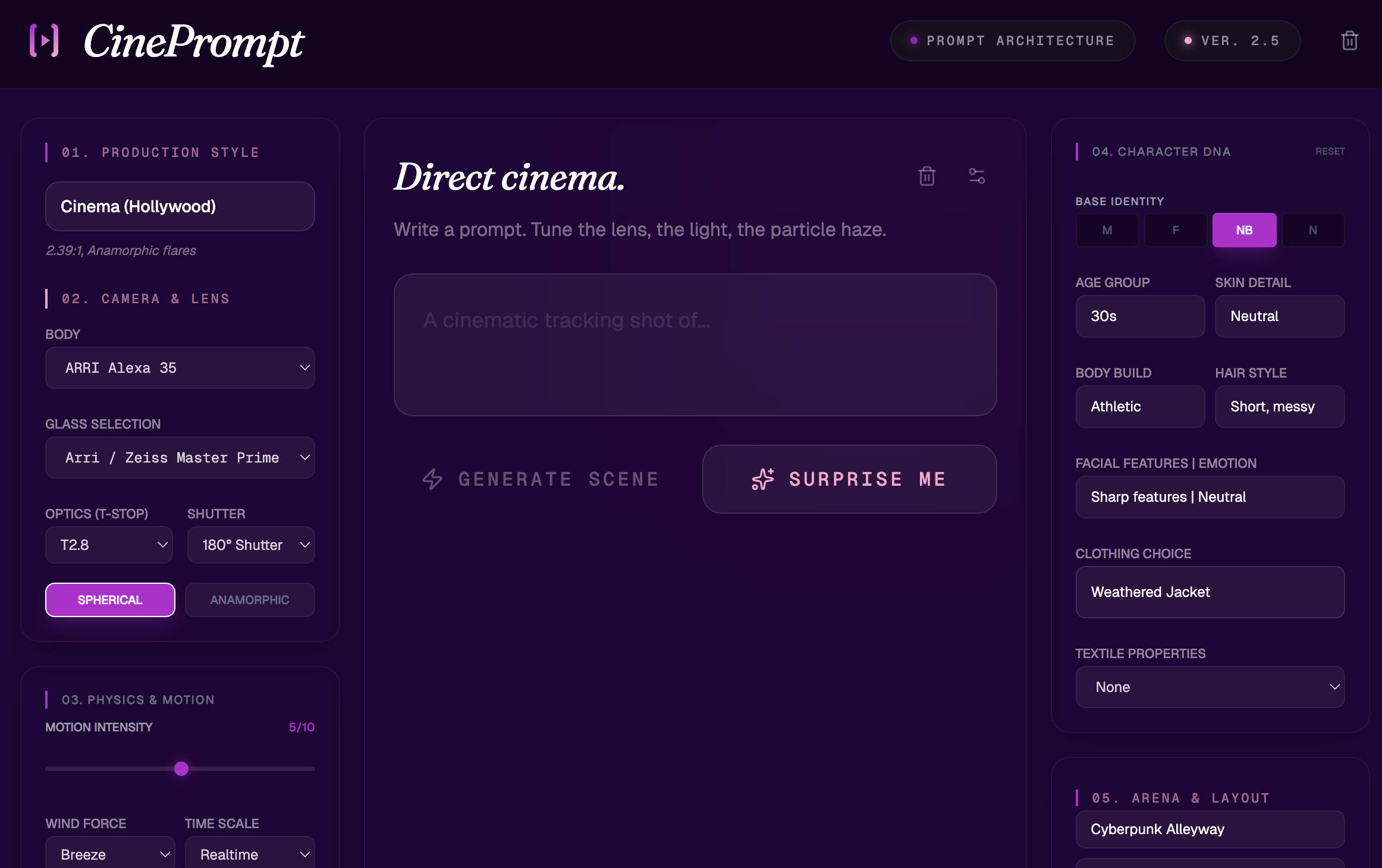
CinePrompt writes crystal-clear prompts for AI video models. Veo 3, Kling, Sora — every model understands your cinematic intent.
Compatible with all major AI video models
What CinePrompt offers
Type a basic idea. CinePrompt expands it into a cinematically detailed, photorealistic prompt that every video model understands.
Choose your camera movement, shot type (wide / medium / close / extreme close), T-stop, and optical style. From anamorphic flares to spherical crisp.
Set the lighting by mood: golden hour, neon noir, practicals-only, overcast flat. The right light description makes or breaks your image.
Fully define your character: gender, age, build, facial features, clothing style and textile detail. Consistency across every shot.
Build environments like Cyberpunk Alleyway, Golden Age Hollywood, Arctic Tundra. Add foreground objects for depth and spatial richness.
Add cinematic haze, drifting dust, rain, fire sparks and volumetric light. Atmospheric details that elevate your image to film quality.
Let CinePrompt generate random but coherent cinematic configurations. Perfect inspiration when you need a fresh take.
See how your prompt looks before exporting. AI-generated stills give you instant visual feedback on your prompt choices.
Every prompt is structured so the most important visual parameters land in the right position — exactly as each model expects.
How it works
Type a short description of what you have in mind. A mood, an action, a location. CinePrompt works with any starting point.
→Refine via the controls: choose your lens, lighting, character and environment. Each parameter block adds a new layer to your visual instruction.
→CinePrompt builds a structured prompt that every video model understands immediately. Copy, export, or jump straight to preview.
Prompt output
Controls
Production Style
Cinema (Hollywood)
Camera Body
ARRI Alexa 35
Glass
Zeiss Master Prime
Optics
T2.8 · 35mm
Shot Type
Tracking Medium
Particles
Cinematic Haze
Character DNA
M · 30s · Sharp
Arena
Cyberpunk Alleyway
Membership
CinePrompt Pro
€12
per month · cancel anytime
No credit card required for the trial period.